m0unt41n - fake-weather
Walkthrough and solution for the Fake Weather challenge, exploiting a SHA-1 collision to bypass a file-content validation check.

Overview
This challenge provides a small Flask web application called Weather Control Center.
After starting the challenge with:
1
python3 run.py
the website shows the current weather as raining.
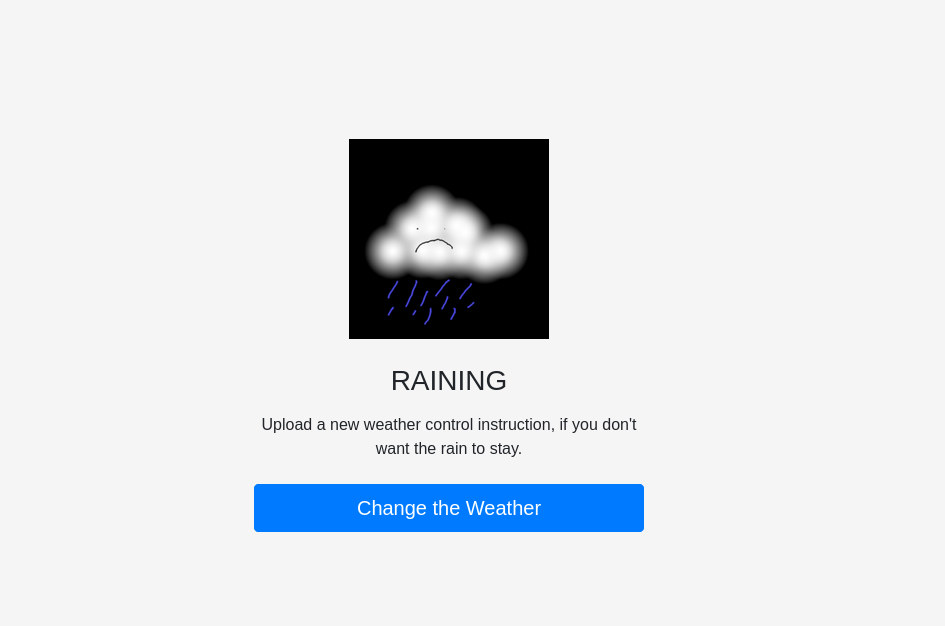
The page contains a button:
1
Change the Weather
After clicking it, the application asks for two uploaded files:
1
2
Current Instruction
New Instruction
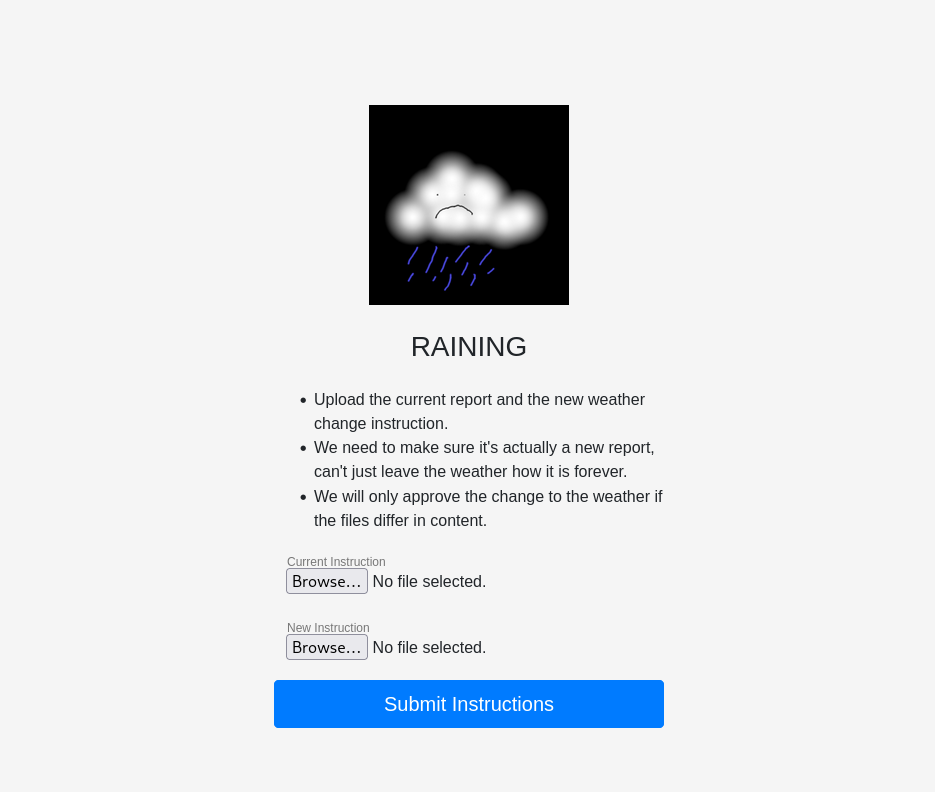
The important hint on the page is:
1
We will only approve the change to the weather if the files differ in content.
At first, this sounds like the application simply wants two different PDF files. However, the backend logic shows that the actual requirement is more specific.
Step 1: Inspecting the Upload Logic
The relevant code is inside the /processupload route in run.py.
The application first checks that both uploaded files have a .pdf extension:
1
2
3
4
5
6
7
8
9
if uploaded_file.filename != '':
    file_ext = os.path.splitext(uploaded_file.filename)[1]
    if file_ext not in app.config['UPLOAD_EXTENSIONS']:
        return "file 1 is not a pdf.", 200

if uploaded_file2.filename != '':
    file_ext = os.path.splitext(uploaded_file2.filename)[1]
    if file_ext not in app.config['UPLOAD_EXTENSIONS']:
        return "file 2 is not a pdf.", 200
The allowed extensions are:
1
app.config['UPLOAD_EXTENSIONS'] = ['.pdf', '.PDF']
After that, the application reads both files and calculates two hashes for each file:
1
2
3
4
5
6
7
f1 = uploaded_file.read()
f2 = uploaded_file2.read()

sha1_1 = hashlib.sha1(f1).hexdigest()
sha1_2 = hashlib.sha1(f2).hexdigest()
md5_1 = hashlib.md5(f1).hexdigest()
md5_2 = hashlib.md5(f2).hexdigest()
The actual validation happens here:
1
2
3
4
5
6
7
if sha1_1 != sha1_2:
    return "The Hash must be the same"

if md5_1 == md5_2:
    return "The File Content is the same"

return flag
So the application wants two files where:
1
2
SHA1(file1) == SHA1(file2)
MD5(file1)  != MD5(file2)
This is the core of the challenge.
The files must look identical according to SHA-1, but different according to MD5.
Step 2: Testing the Obvious Case
Uploading the same PDF twice does not work.
In that case, the SHA-1 hashes match, but the MD5 hashes also match. The application rejects this because it believes the file content is the same.
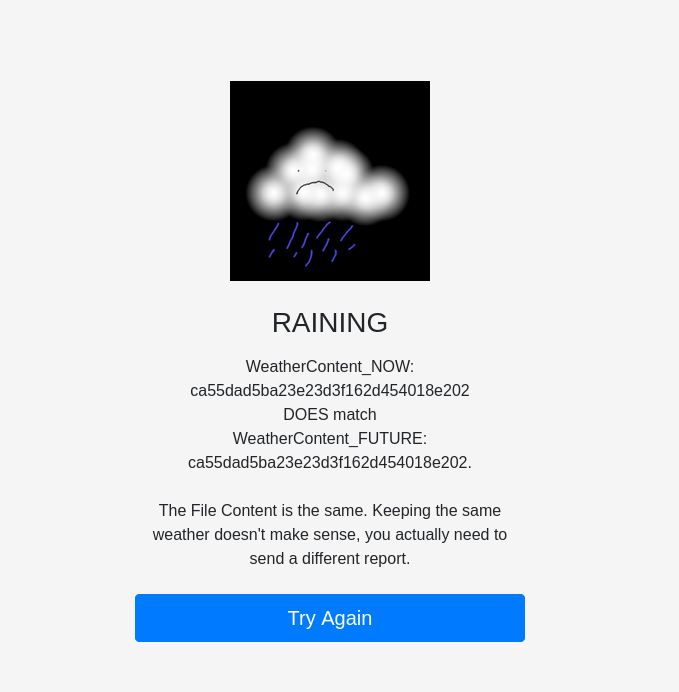
The error message shows:
1
2
3
4
5
WeatherContent_NOW: ca55dad5ba23e23d3f162d454018e202
DOES match
WeatherContent_FUTURE: ca55dad5ba23e23d3f162d454018e202.

The File Content is the same.
This confirms that simply uploading the same file twice is not enough.
The target condition is:
1
2
same SHA-1
different MD5
Step 3: Understanding the Cryptographic Weakness
The application uses SHA-1 as if it were a reliable identifier for file equality.
That is unsafe because SHA-1 is collision-broken. A hash collision means that two different inputs produce the same hash value.
For this challenge, we need exactly that:
1
2
file1 != file2
sha1(file1) == sha1(file2)
A famous public SHA-1 collision is the SHAttered PDF collision. It provides two different PDF files that have the same SHA-1 hash.
However, the application includes an additional anti-cheat check:
1
2
if sha1_1[1:3] == "87" and sha1_1[7:9] == "7f":
    return "no cheating. Try something else."
This blocks the original SHAttered PDF pair by checking parts of their known SHA-1 hash.
The original SHAttered PDF hash is:
1
38762cf7f55934b34d179ae6a4c80cadccbb7f0a
The check matches this hash:
1
2
sha1_1[1:3] == "87"
sha1_1[7:9] == "7f"
So uploading the original SHAttered files directly would be blocked.
Step 4: Bypassing the Anti-Cheat Check
The bypass is to append the same bytes to both colliding PDFs.
This works because SHA-1 uses a Merkle-Damgård construction. If two messages already collide and have the same internal hash state, appending the same suffix to both messages keeps the collision valid.
So the plan is:
1
2
3
4
5
6
1. Download the two SHAttered collision PDFs.
2. Append the same suffix to both files.
3. The new files still have the same SHA-1 hash.
4. The new SHA-1 hash is different from the blocked original one.
5. The files still have different MD5 hashes.
6. Upload both modified PDFs.
The files can be prepared like this:
1
2
curl -L -o old.pdf https://marc-stevens.nl/research/shattered.io/static/shattered-1.pdf
curl -L -o new.pdf https://marc-stevens.nl/research/shattered.io/static/shattered-2.pdf
Then append the same suffix to both files:
1
2
3
4
5
6
7
8
9
python3 - <<'PY'
from pathlib import Path

suffix = b"\nctf-weather-fix\n"

for name in ["old.pdf", "new.pdf"]:
    p = Path(name)
    p.write_bytes(p.read_bytes() + suffix)
PY
After that, verify the hashes:
1
2
sha1sum old.pdf new.pdf
md5sum old.pdf new.pdf
The result should show:
1
2
3
4
5
sha1sum old.pdf new.pdf
# same SHA-1 hash for both files

md5sum old.pdf new.pdf
# different MD5 hashes
That satisfies the backend check:
1
2
SHA1(old.pdf) == SHA1(new.pdf)
MD5(old.pdf)  != MD5(new.pdf)
Step 5: Uploading the Collision Files
The modified collision PDFs can now be uploaded through the web form.
1
2
Current Instruction: old.pdf
New Instruction:     new.pdf
This bypasses both checks:
1
2
3
4
5
if sha1_1 != sha1_2:
    fail

if md5_1 == md5_2:
    fail
The SHA-1 hashes are equal, so the first check passes.
The MD5 hashes are different, so the second check also passes.
Step 6: Getting the Flag
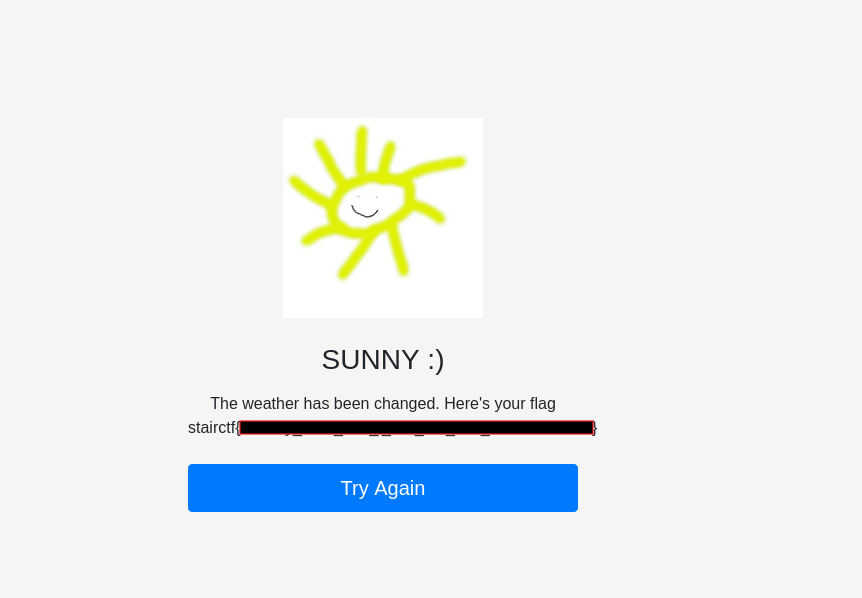
After uploading the modified PDFs, the weather changes from raining to sunny and awards you with the flag :).
Vulnerability Summary
The vulnerability is caused by using SHA-1 for a security-relevant file comparison.
The application assumes that if two files have the same SHA-1 hash, they are equivalent for approval purposes. This assumption is invalid because SHA-1 is no longer collision-resistant.
The flawed logic can be summarized as:
1
2
3
Approve the weather change if:
- SHA-1 hashes match
- MD5 hashes differ
This allows an attacker to upload two different files with the same SHA-1 hash and bypass the validation logic.
The hardcoded anti-cheat check only blocks one known collision hash, but it does not fix the actual issue. By appending the same data to both colliding files, the collision still works while the final SHA-1 hash changes.
A secure implementation should not use SHA-1 for security decisions. For integrity checks, a modern hash function such as SHA-256 or SHA-3 should be used. If the application really needs to know whether two uploaded files are different, it should compare the actual file bytes instead of relying on a broken hash function.